You're on call. You're away from your desk. Something is down and you need to SSH into a server from your phone. Most mobile SSH apps give you a tiny keyboard and a blinking cursor. Secure Shell AI gives you a full terminal, one-tap workflows, and AI that knows what's on your screen when you need help.
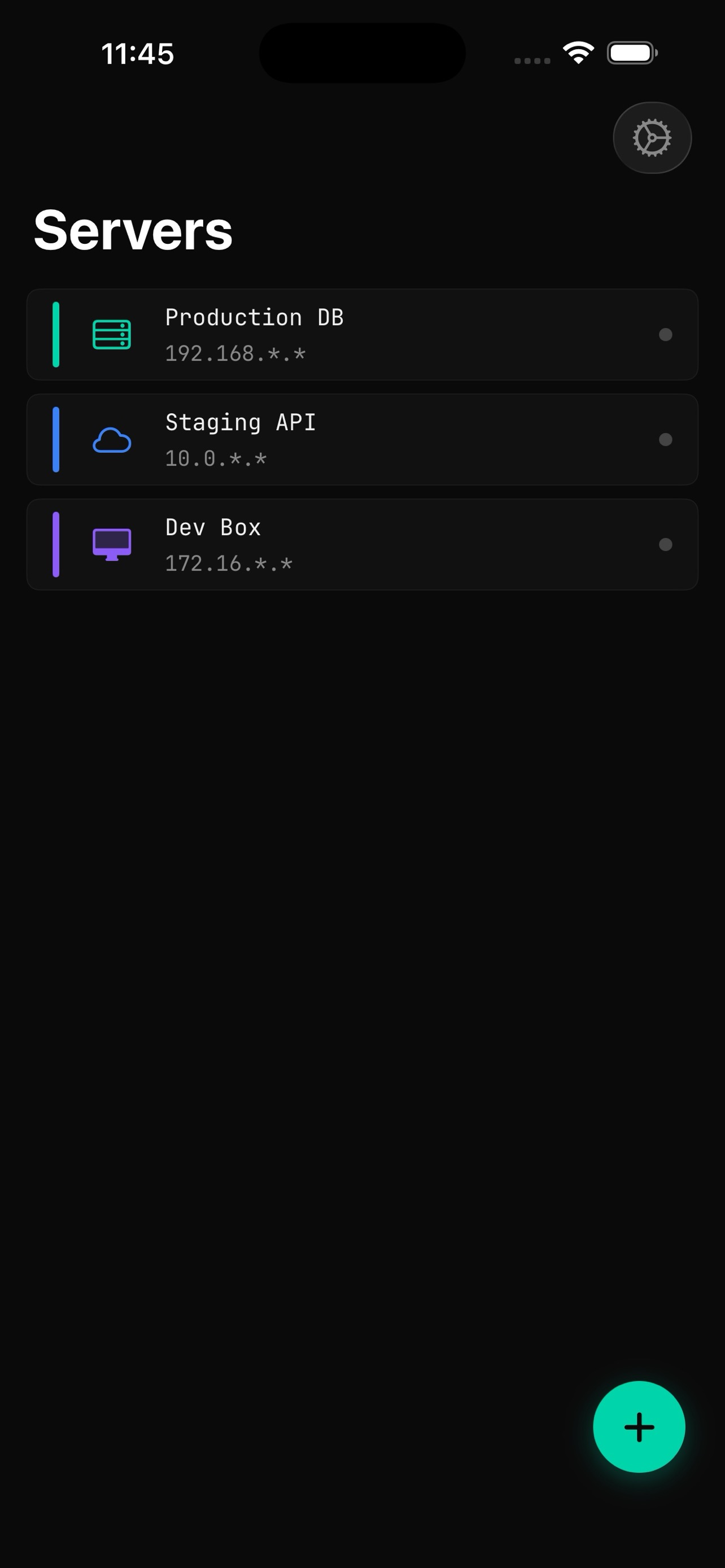
Servers
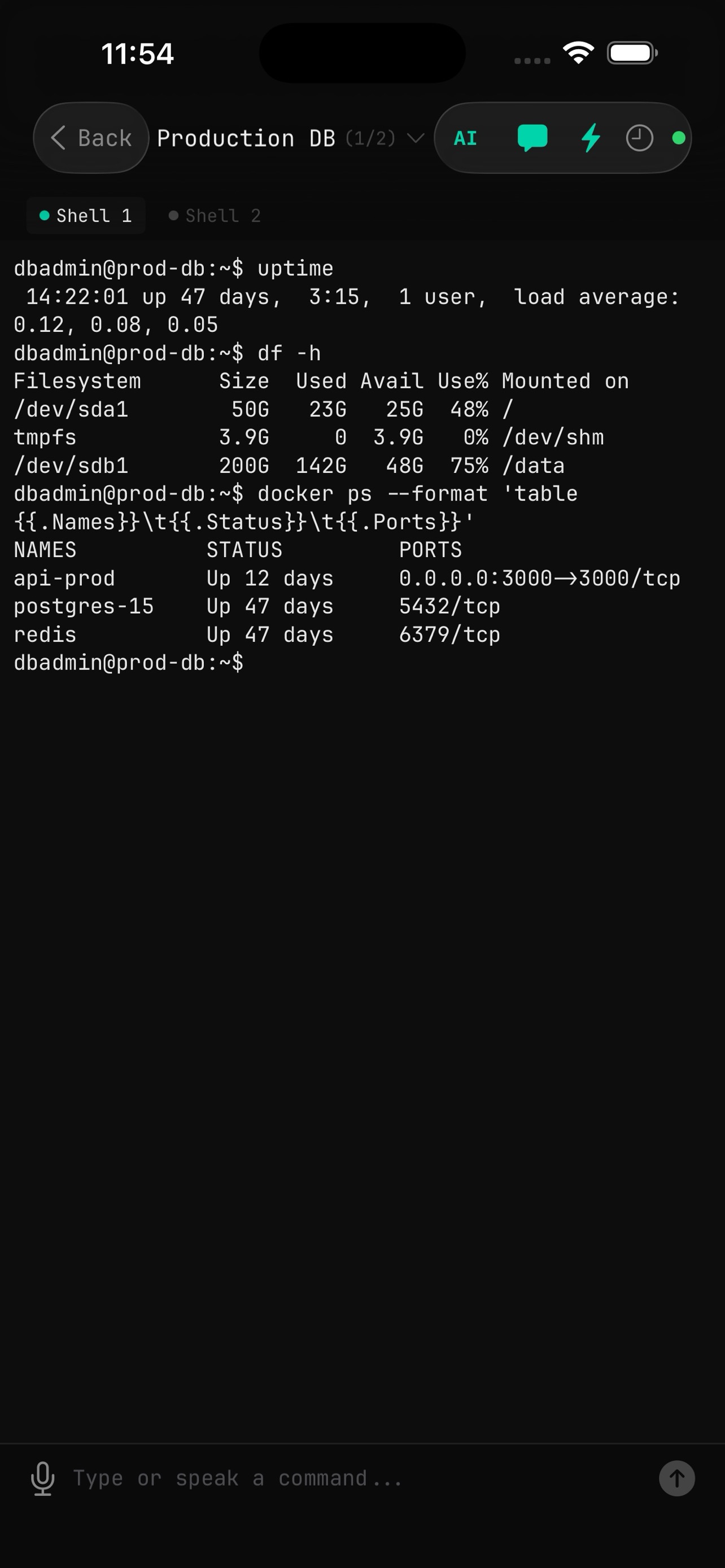
Terminal
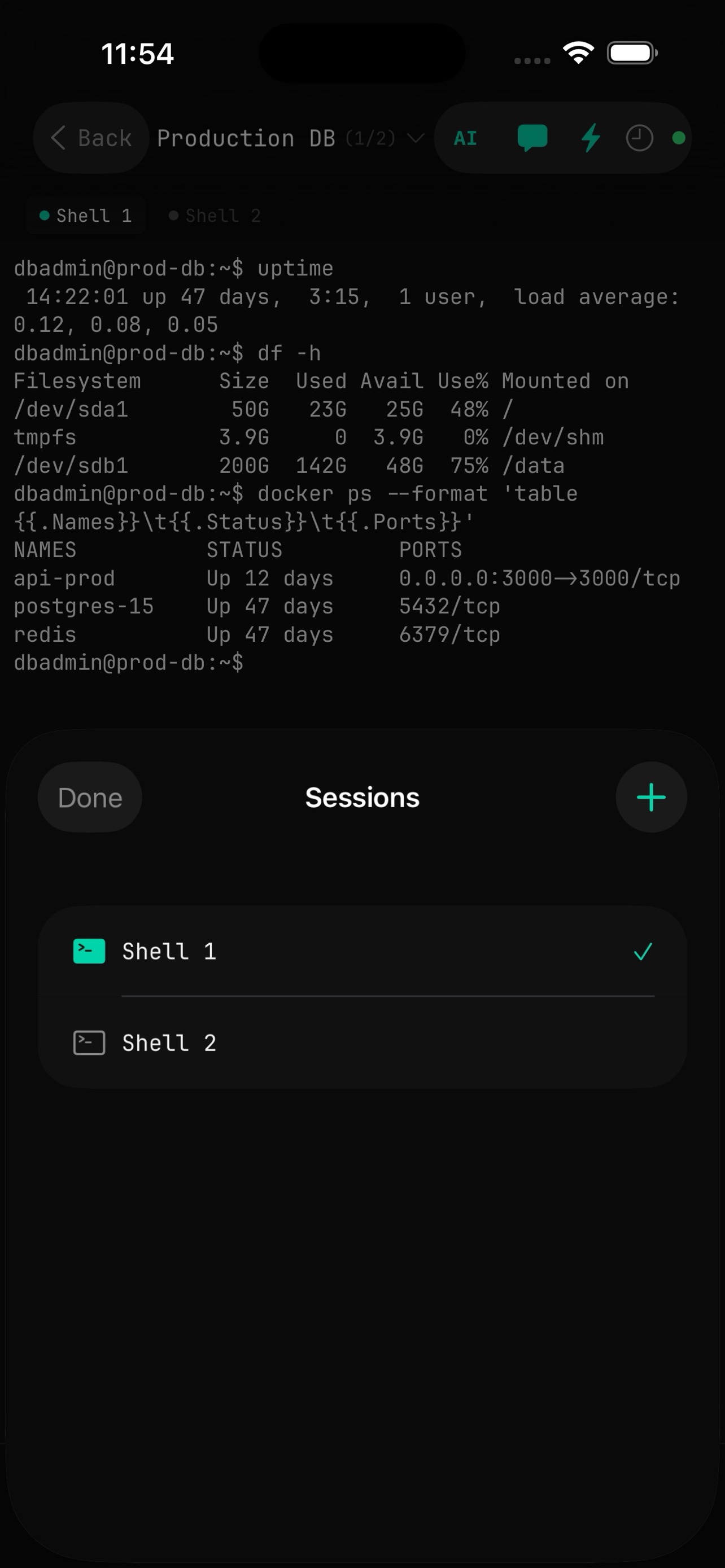
Sessions
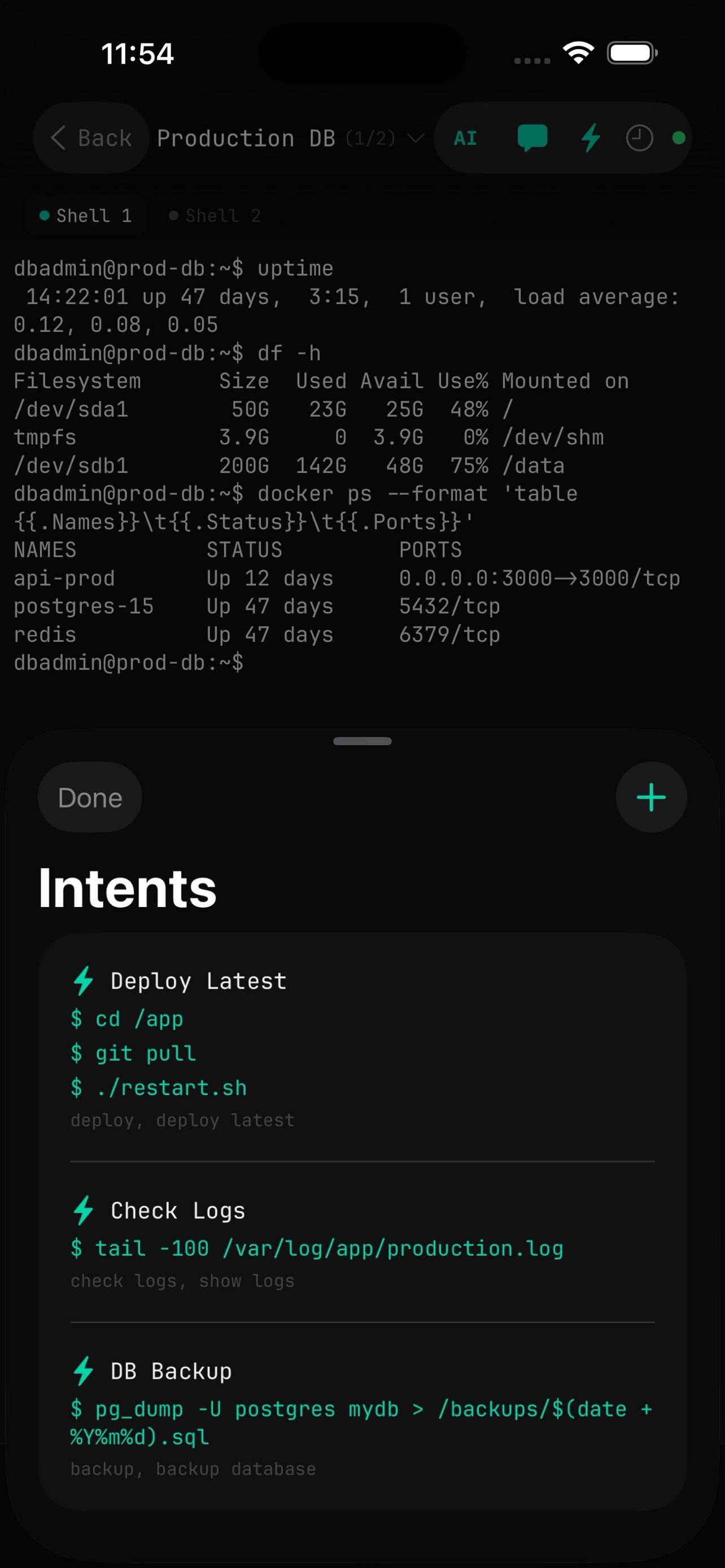
Intents
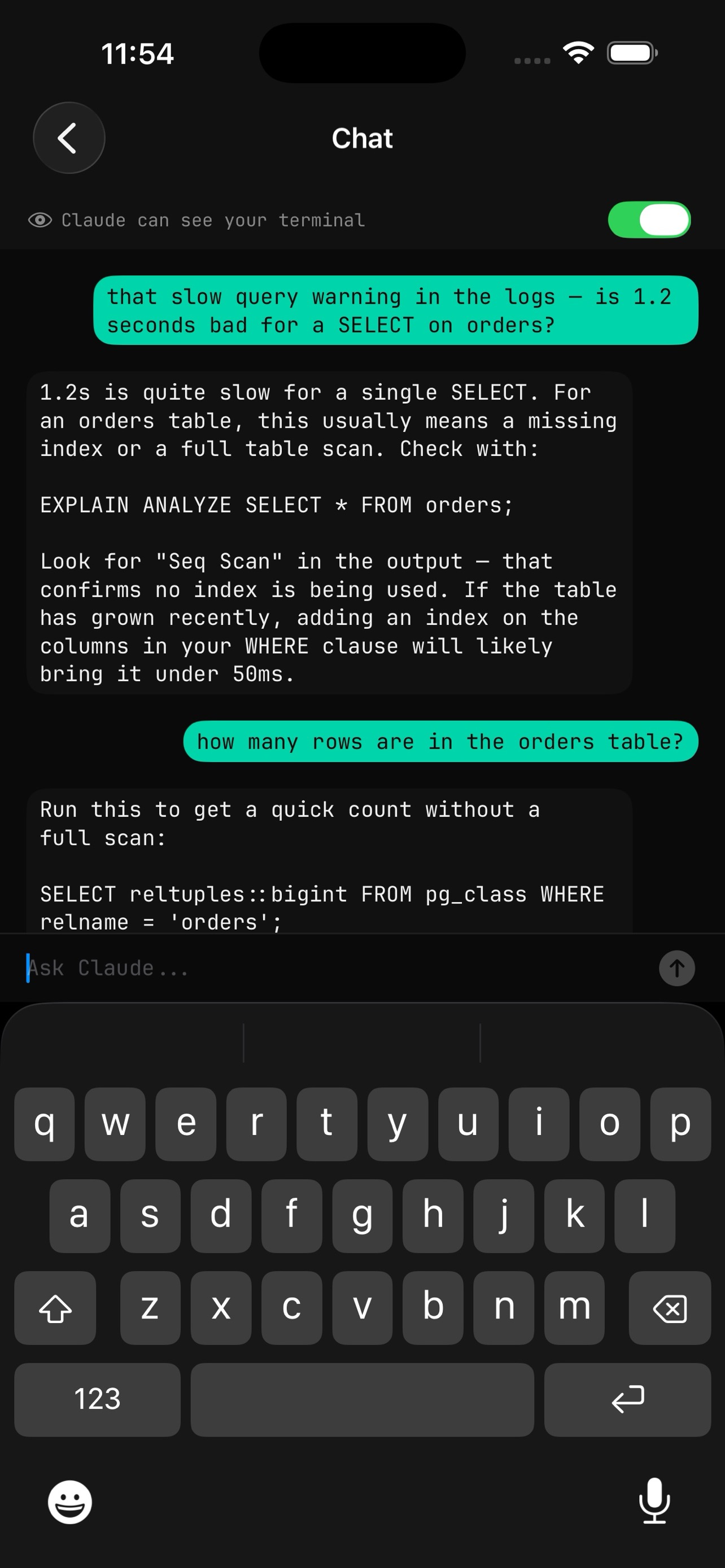
AI Chat
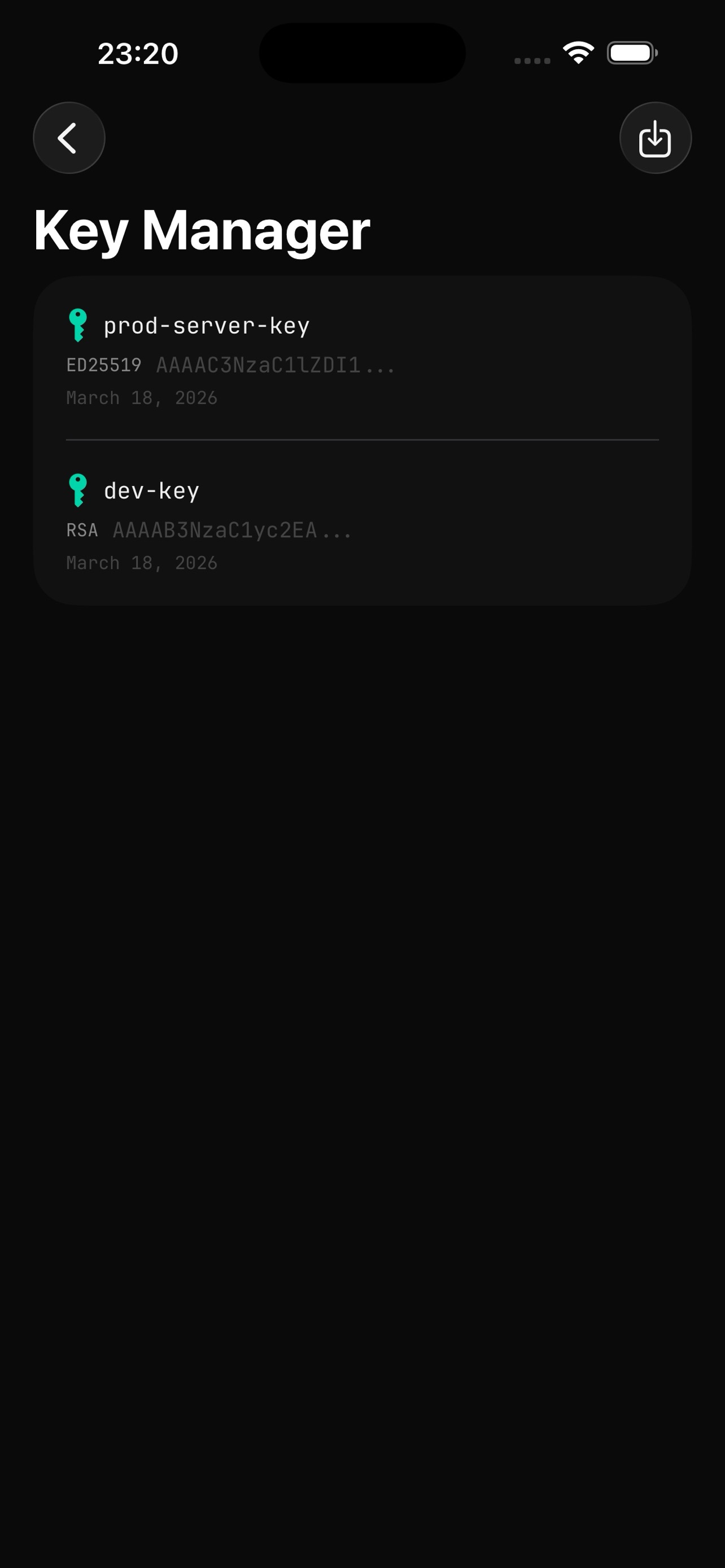
Keys
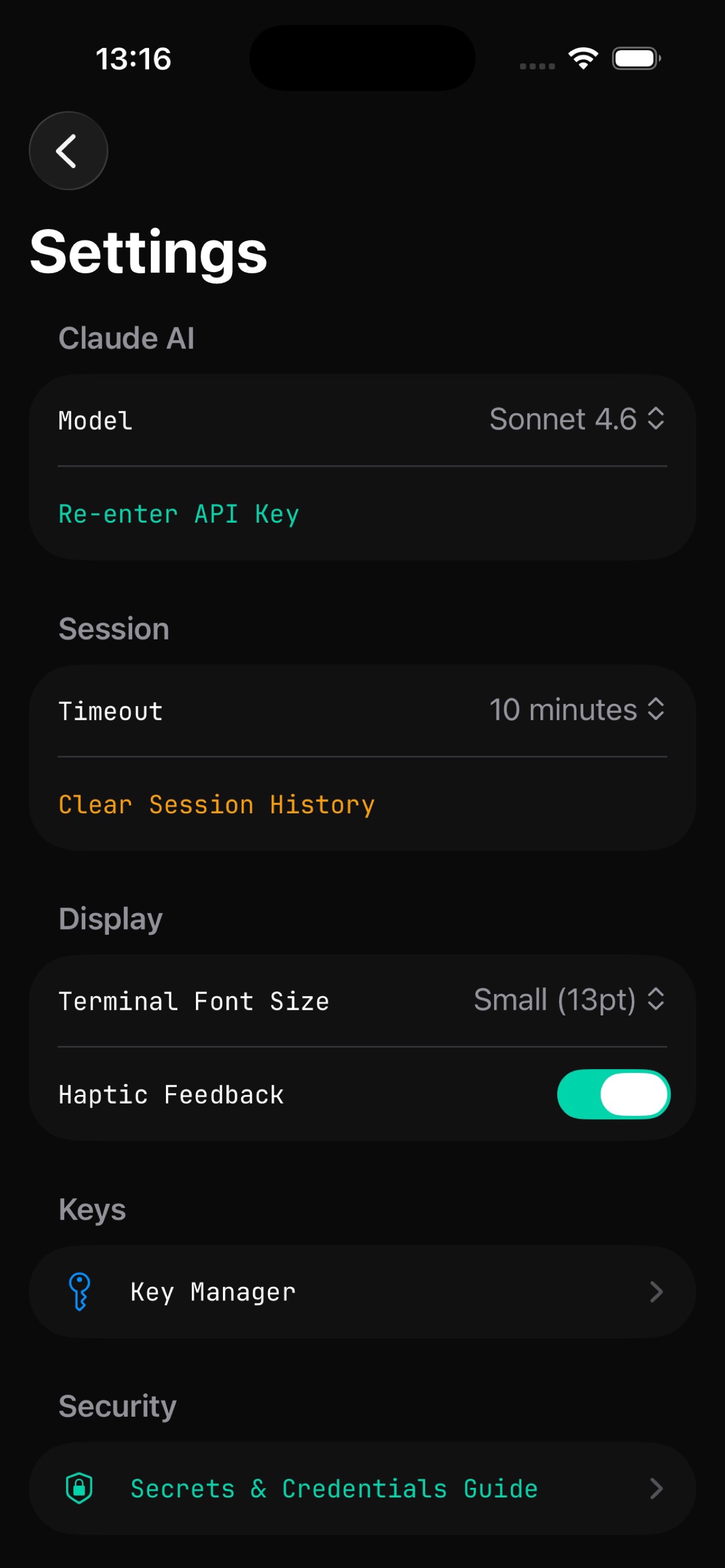
Settings
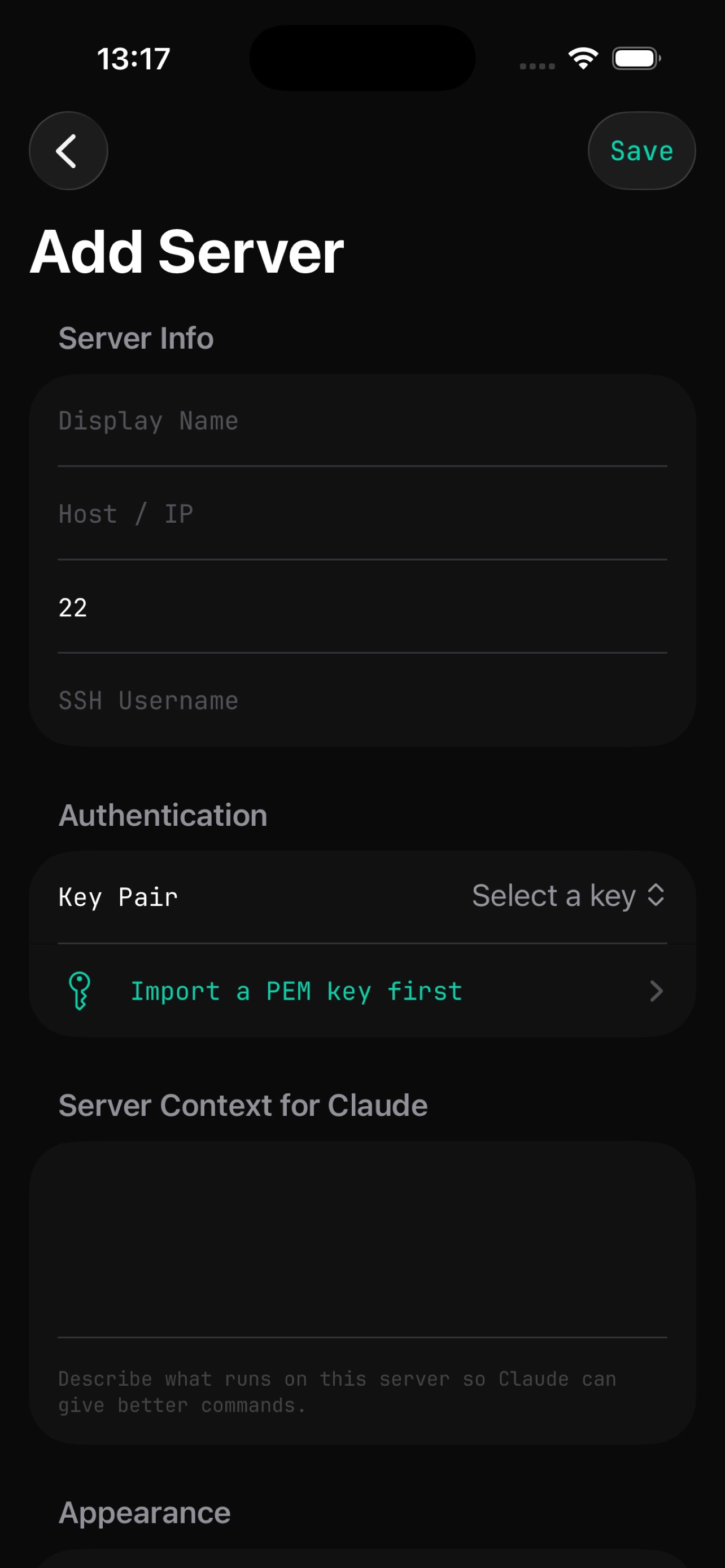
Add Server
Terminal First
Full SSH client with passthrough shell mode, terminal key row (ESC, CTRL, TAB, arrows), ANSI color output, and multiple sessions on one connection — like tabs.
One-Tap Workflows
Save command chains as intents. "cd /app && git pull && npm run build && pm2 restart all" becomes one button. Trigger by tap or voice. Commands run directly on your server.
AI When You Need It
Can't remember the syntax for a firewall rule? Say it out loud. AI gives you the command and you preview it before it runs. Open chat mode and AI reads the last 50 lines of your terminal output.
Enterprise-Grade Security
Face ID, Touch ID, or YubiKey NFC on every launch. Optional per-server YubiKey gate — require a physical key tap before connecting. All credentials in iOS Keychain backed by Secure Enclave. SSH keys encrypted with AES-256-GCM. No analytics, no tracking, no data collection.
DevOps and SRE teams responding to incidents on the go
Sysadmins managing multiple Linux servers
Backend engineers who need quick access to production
Anyone on call who needs to SSH from their phone
Face ID / Touch ID or YubiKey NFC required on every launch and after backgrounding
Optional YubiKey gate per server — require a physical key tap before connecting
All credentials stored in iOS Keychain backed by Secure Enclave
SSH keys encrypted with AES-256-GCM, wiped from memory after auth
AI will not generate commands that expose credentials
Dangerous command detection — flagged or blocked before execution
No analytics, no tracking, no data collection, no account required
Coming to the App Store
Built for the engineer who manages servers and needs a tool that works the way they do.